Practice Management
Let’s build an SOP: a practical beginner’s guide for medical offices
New to writing standard operating procedures? Start with one familiar task, explain the decisions, and test whether someone else can follow the steps.

You already know more than you think
Maybe you’re the person everyone asks how something works. You know where the form lives, who approves the request, and which detail needs checking before the task is finished. Putting all of that into a useful document can still feel surprisingly difficult.
Let’s build an SOP—whether you’re a former pro who needs a refresher, an SOP creator who wants to improve, or a beginner who isn’t sure where to begin. You don’t have to document the whole office today. One familiar, recurring task is enough to start.
What is an SOP, and how is it used?
SOP stands for standard operating procedure. It is a written set of instructions for completing a recurring task using your practice’s approved process. A useful SOP explains who does the work, when to begin, what to use, what decisions are allowed, and how to recognize that the task is complete.
Staff can use it during training, when covering for a coworker, or when checking an unfamiliar step. Managers can use it to review how a process works and keep changes consistent. It should be easy to find where the work happens.
A policy states a rule or expectation. An SOP explains how staff carry out a particular process. A checklist is a shorter reminder of important actions or checks. Each can support the others, but a checked box alone may not explain what a new employee needs to do.
1. Choose a task with a clear beginning and end
Start small. “Manage office supplies” includes several different processes. “Submit a routine office-supply request” is easier to describe and test.
Define the trigger—the event that starts the process—and the completion point—the result that shows this particular task is finished. These boundaries help you keep related work from taking over the document.
- Trigger: a staff member identifies an office-supply need during the practice’s scheduled stock check.
- Completion point: the request is recorded and routed to the authorized reviewer.
- Outside this SOP: placing the order, receiving deliveries, and emergency purchasing.
2. Make the responsibilities and decisions visible
Write down who performs the task, who reviews it, and who can help when the usual person is unavailable. Use role names that match your practice so the document stays understandable when staffing changes.
A decision rule explains what to do when a condition is met. An escalation route explains whom to contact when an issue needs a higher level of authority. A new employee should not have to guess either one.
In our fictional supply example, staff may prepare a request, but only the authorized reviewer decides whether it can proceed. An item outside the approved supply list follows the practice’s review route. Document your real rules after verifying them with the responsible people; don’t invent authority just to finish a draft.
3. Write steps someone can actually follow
For each step, name the action, the tool or location, and the expected result. Replace broad instructions such as “handle the request” with the detail a learner needs to begin.
For example: “Open the approved supply-request form. Enter the item name, quantity requested, and reason for the request. Check that all required fields are complete before sending it to the designated reviewer.” Your final SOP should identify the practice’s actual form and where staff can find it.
Define task-specific terms when they first appear. If “approved list” means a particular document, explain which document and where it lives. Familiar wording to an experienced employee can still be unclear to someone doing the task for the first time.
4. Include the moments when the usual steps don’t fit
An exception is a situation that falls outside the normal steps. Missing information, unavailable tools, and an absent reviewer are useful places to check.
Explain what the employee should record, which work may continue, and when they should pause or seek help. Keep urgent or clinical matters within your practice’s existing authorized protocols. This administrative example does not establish those protocols.
Helpful tip: ask the person who usually handles the task, “What do you check that you might forget to mention?” Then ask a backup what they would need explained. Their answers often reveal the details that are hardest to notice on your own.
5. Test the draft with a walkthrough
A walkthrough is a structured attempt to follow the written instructions and find gaps. Ask someone with the appropriate access and basic office knowledge to read the draft and work through a fictional or approved training example.
Notice where they stop, ask a question, or supply a step from memory. Record the problem and revise the instruction that caused it. The question is useful evidence, not a reason to blame the learner.
- Can they find the correct starting point and tool?
- Are the required entries and decision rules clear?
- Do they know what to do when the usual path is unavailable?
- Can they tell when the task is complete?
6. Release it deliberately—and keep it useful
After review and authorization, identify the current version, effective date, process owner, and review point. Show staff where the approved SOP lives and how they should report a problem. Remove outdated copies from active use according to your practice’s document process.
Review sooner when a tool, responsibility, or approved rule changes. A change log records what changed, when, and who authorized it. Updating the written process and communicating the change belong together.
Your first SOP does not need to sound impressive. It needs to help the next person complete the task with fewer unanswered questions. Start with one routine, test it, and use what you learn for the next one.
Want a guided place to practice?
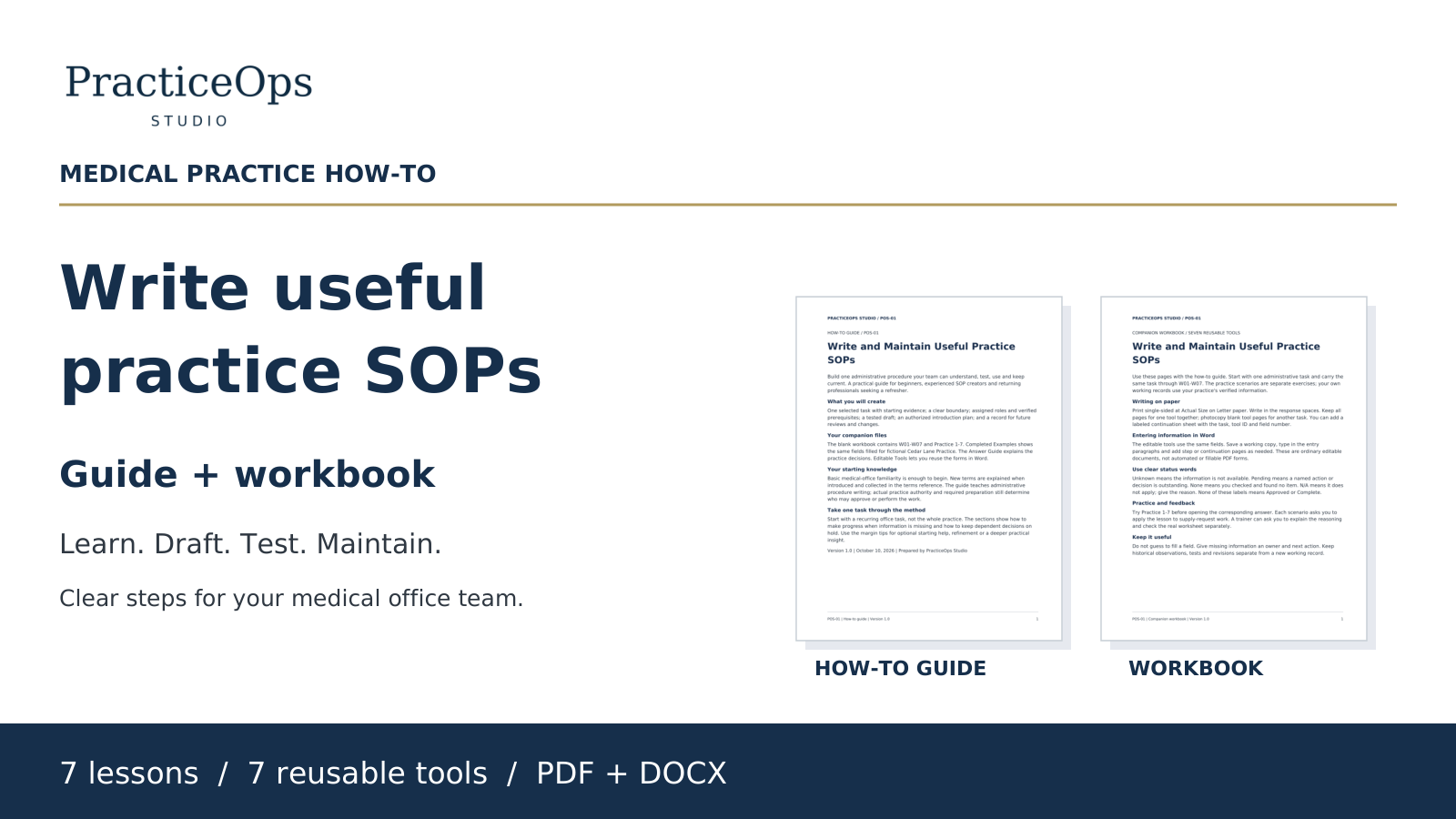
The PracticeOps Write and Maintain Useful Practice SOPs guide and companion workbook walk you through the same process in seven lessons. The package includes seven reusable tools, completed fictional examples, practice scenarios with explanatory answers, a terms-and-definitions section, editable DOCX tools, and a low-ink binder cover.
The $29 digital package contains seven files: six PDFs totaling 92 pages, plus one DOCX. It is designed for medical-office professionals with basic office knowledge who want guidance for this particular task. The PDFs are the print masters; editable tools require a compatible DOCX editor. Your practice reviews and authorizes its own procedures.
This article offers general operational organization ideas. Apply your organization’s approved policies, roles and systems. Do not use these tools to store patient-identifying information.
Explore free manager resources